One Logger support: How can we help?
Quick answers below, by topic. If something isn’t right, write to us.
Email us
hello@everydayframes.comTell us your iPhone model, iOS version and what you said or tapped. Please don’t send health details you’d rather keep private.
Getting started
Three steps. That’s it.
Tap the mic, or the keyboard button.
Allow the microphone and speech recognition the first time.
Say a sentence.
“Two glasses of water, spent $12 on lunch and feeling great.”
Tap a tile.
Each one opens its own screen with charts by week, month and year.
You can see the six welcome slides again any time from Settings › Help.
Help topics
Answers, by topic.
Logging
The mic doesn’t work. What do I allow?
The first time you tap the mic, iOS asks for the Microphone and Speech Recognition. If you said no, turn both on in the iPhone Settings app › Apps › One Logger. You can always type instead.
Can I type instead of talking?
Yes. Tap the keyboard button next to Tap to talk and type the same sentence.
How do I fix or remove an entry?
Right after you log, the result card has Undo and Edit. Later, tap the entry in the list to open it, then change it or delete it.
Where did my sentence go? It says “Saved to Others”.
Anything with real words that doesn’t fit a tracker is kept in Others, word for word, so nothing is lost. Open Others to search it, and turn any item into a note, a to-do or a shopping list item, or a link if it holds one.
Can I log something from earlier or yesterday?
Yes. Say when it happened, like “yesterday” or “at 7”, and the entry gets that time. Tap the date at the top of Home to see any past day.
Questions
What can I ask?
Ask the way you’d ask a friend: “How much did I spend this week?”, “How did I sleep last night?”, “How much water today?”. Ask “How was my day?” for a summary of the whole day.
How do I hear the answer out loud?
Answers to spoken questions are read aloud. Tap the speaker on an answer to hear it again. You can change this in Settings › Voice.
Reminders
My reminder didn’t go off.
Reminders need notifications. Allow them in the iPhone Settings app › Notifications › One Logger. Then say it again, for example “remind me to call Mom at 7”.
Can a to-do repeat?
Yes. Say “remind me to water the plants every Sunday” or “remind me to drink water every 2 hours”. To-dos can repeat every day, on chosen weekdays, every month or year, or every few hours during the day.
Can I tick off a reminder from the notification?
Yes. Press and hold the notification and choose Done or Snooze.
Apple Health
Which Apple Health data does One Logger use?
It reads sleep, steps, workouts and weight, and it writes the water you log. Nothing else is written to Apple Health.
My sleep or steps aren’t showing.
Open the Health app › your profile › Apps › One Logger, and turn on the categories you want to share. Readings from Apple Health don’t count toward the free daily limit.
Pro and billing
What counts toward the 10 free entries a day?
Entries you say, type or scan. Apple Health readings, samples, CSV imports, edits, deletes, ticking off a to-do and questions don’t count. Deleting an entry made today gives its place back.
What happens after 10 entries?
What you say is kept word for word and saved on a later day when free entries are left, or straight away if you get One Logger Pro. Nothing you say is lost.
How do I restore One Logger Pro on a new iPhone?
Sign in with the same Apple Account, open One Logger › Settings, and tap Restore Purchases in the One Logger Pro section.
How do I cancel or change my subscription?
Subscriptions are managed by Apple. In One Logger, open Settings › One Logger Pro › Manage Subscription, or open the iPhone Settings app › your name › Subscriptions. Cancel at least a day before the renewal date to avoid being charged again.
Data
How do I export my log?
With One Logger Pro, open Settings › Your data › Export CSV. You get one row per entry, which Numbers, Excel and Google Sheets open.
How do I move to a new iPhone?
Export a CSV on the old iPhone, then use Import CSV on the new one. Rows already there are skipped, so importing twice won’t make doubles.
How do I connect or disconnect Google Sheets?
With One Logger Pro, open Settings › Google Sheets and connect your Google account. One Logger makes a sheet named One Logger in your Drive and can only reach the files it creates. Disconnect in the same place at any time.
Can I use another language?
The app speaks English, Spanish, French, German, Japanese and Portuguese, following your iPhone’s language. The first time you speak another of these languages, iOS may ask to download it for Apple’s Translation. This happens once, and after that it works on the iPhone.
Privacy
Privacy and legal
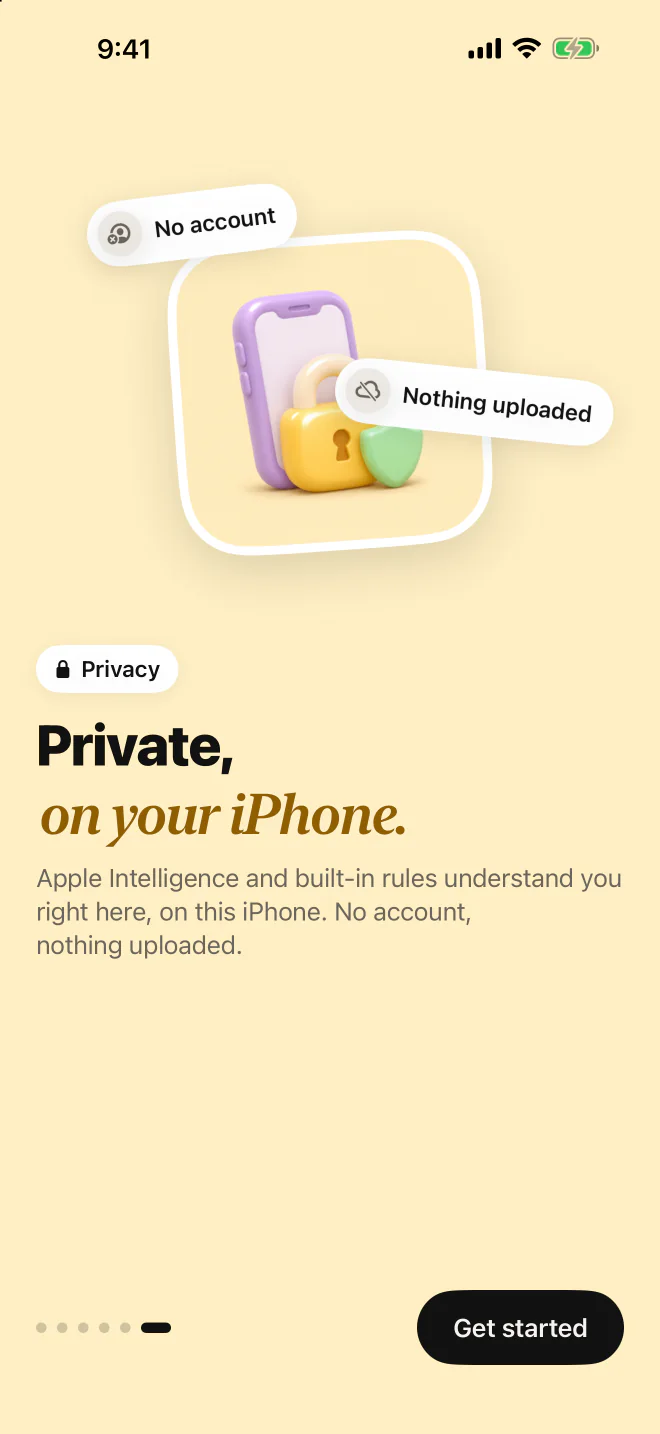
- No account. Open the app and talk. There’s nothing to sign up for.
- Understood on your iPhone. One Logger works out what you said on the device, with Apple Intelligence where it’s available and built-in rules everywhere else.
- Nothing you log is uploaded. Your entries stay on your iPhone unless you export them, as a CSV file or to your own Google Sheet, using a permission that only reaches the files One Logger creates.
- Anonymous usage counts only. The app counts how its features are used, anonymously. These counts aren’t linked to you, and there’s no tracking.
Requirements
System requirements
- iPhone with iOS 26.0 or later.
- Apple Intelligence is used where it’s available. Everywhere else, built-in rules on the iPhone understand you.
- In English, Spanish, French, German, Japanese and Portuguese.
- Current version: 1.0.1.